

'%3e%3cg%20id='LOGO'%3e%3cpath%20d='M218.682,452.163L111.153,452.304L111.153,374.157L484.347,374.157L484.347,452.304C450.657,452.257%20432.581,452.21%20376.881,452.163'%20style='fill:none;stroke:rgb(0,171,169);stroke-width:14.7px;'/%3e%3c/g%3e%3c/g%3e%3c/svg%3e)
'%3e%3cg%20id='LOGO'%3e%3cpath%20d='M1439.38,212.633L1439.38,276.743L1041.14,276.743L1041.14,212.633L1439.38,212.633ZM1435.22,216.8L1045.3,216.8L1045.3,272.577L1435.22,272.577L1435.22,216.8Z'%20style='fill:rgb(0,171,169);'/%3e%3c/g%3e%3c/g%3e%3c/svg%3e)

Javascript Web App
A responsive JavaScript web app that fetches Pokemon data from an external API, displays a searchable list and opens detailed information in modal views.
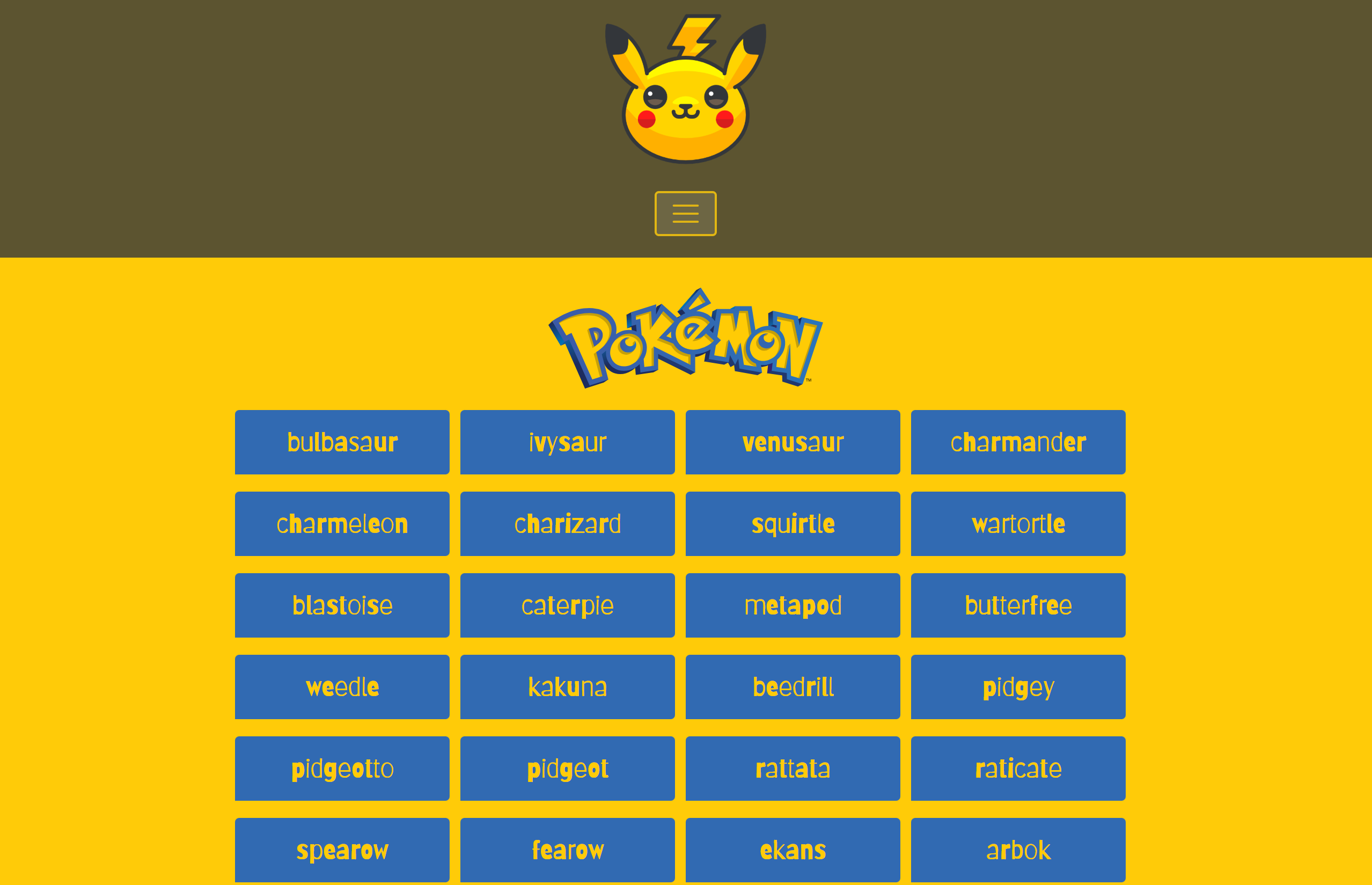
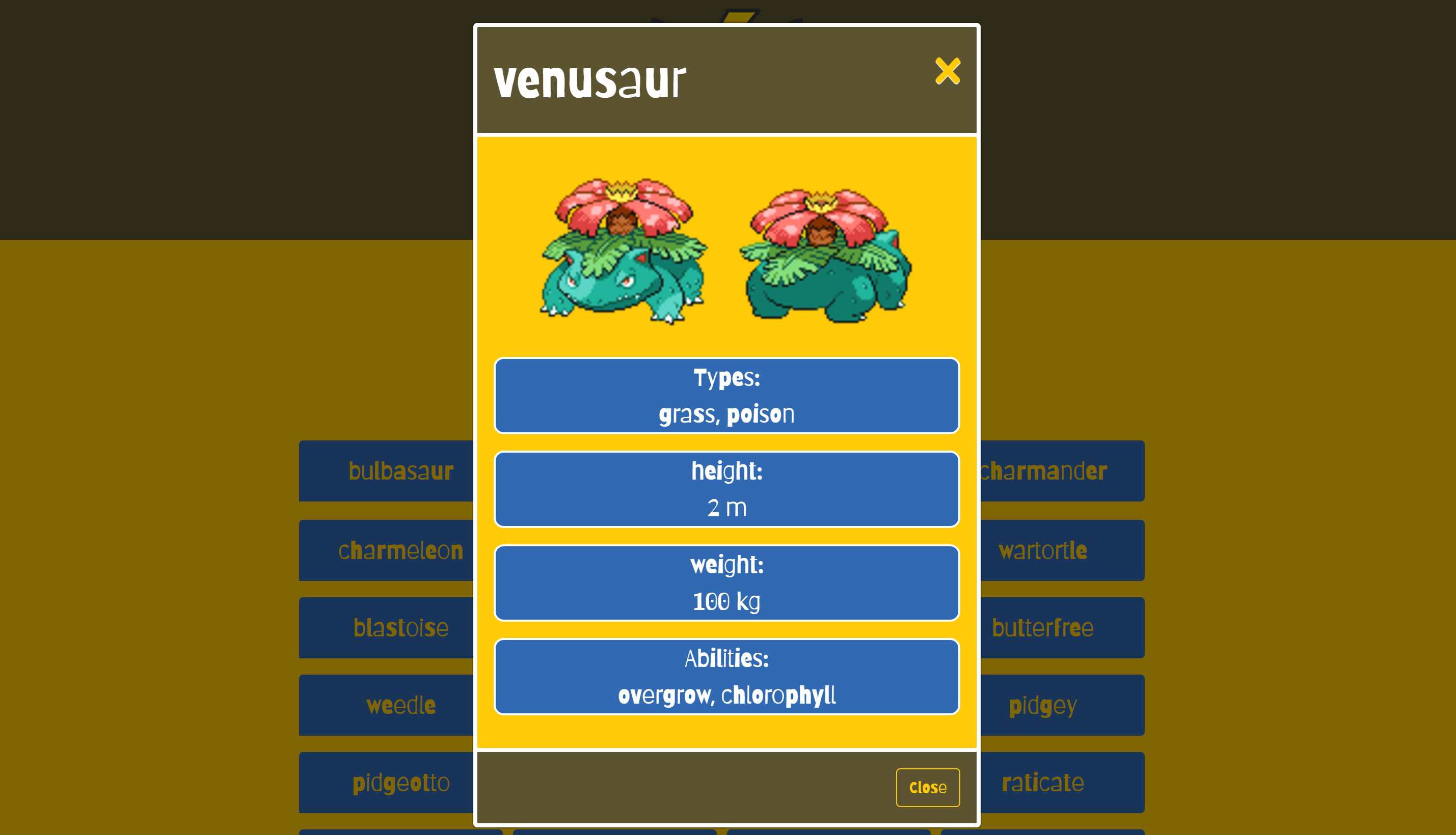
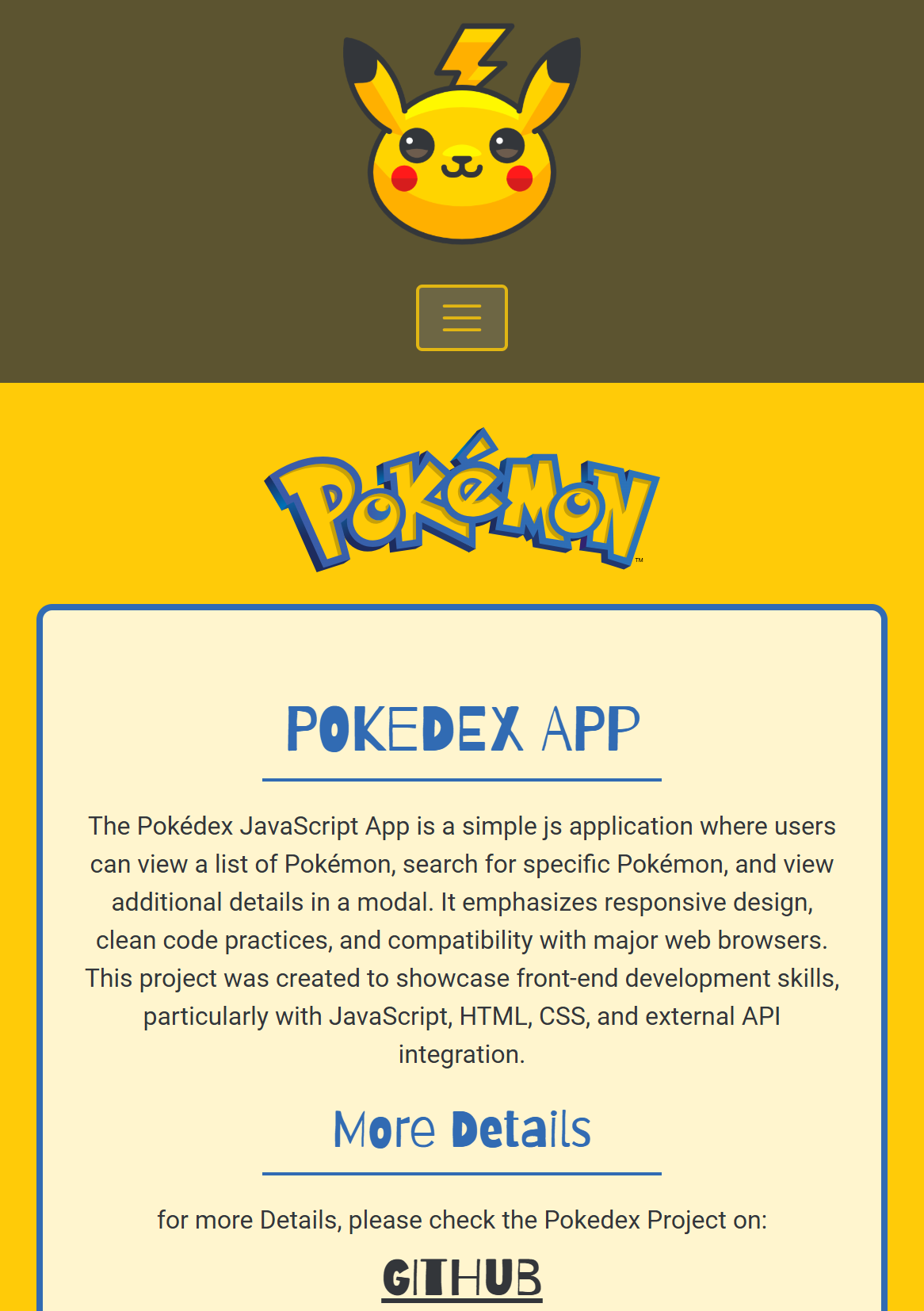
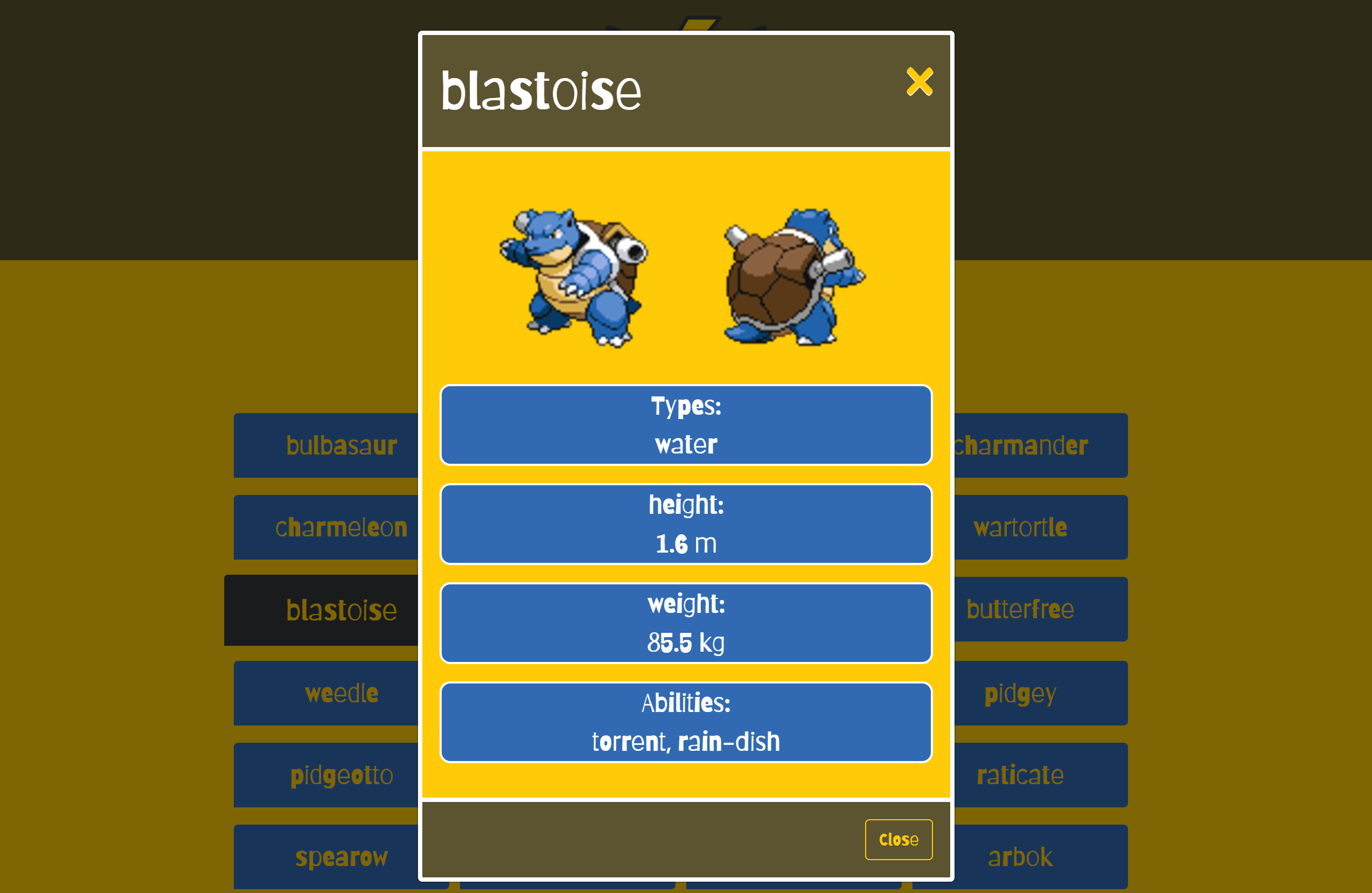
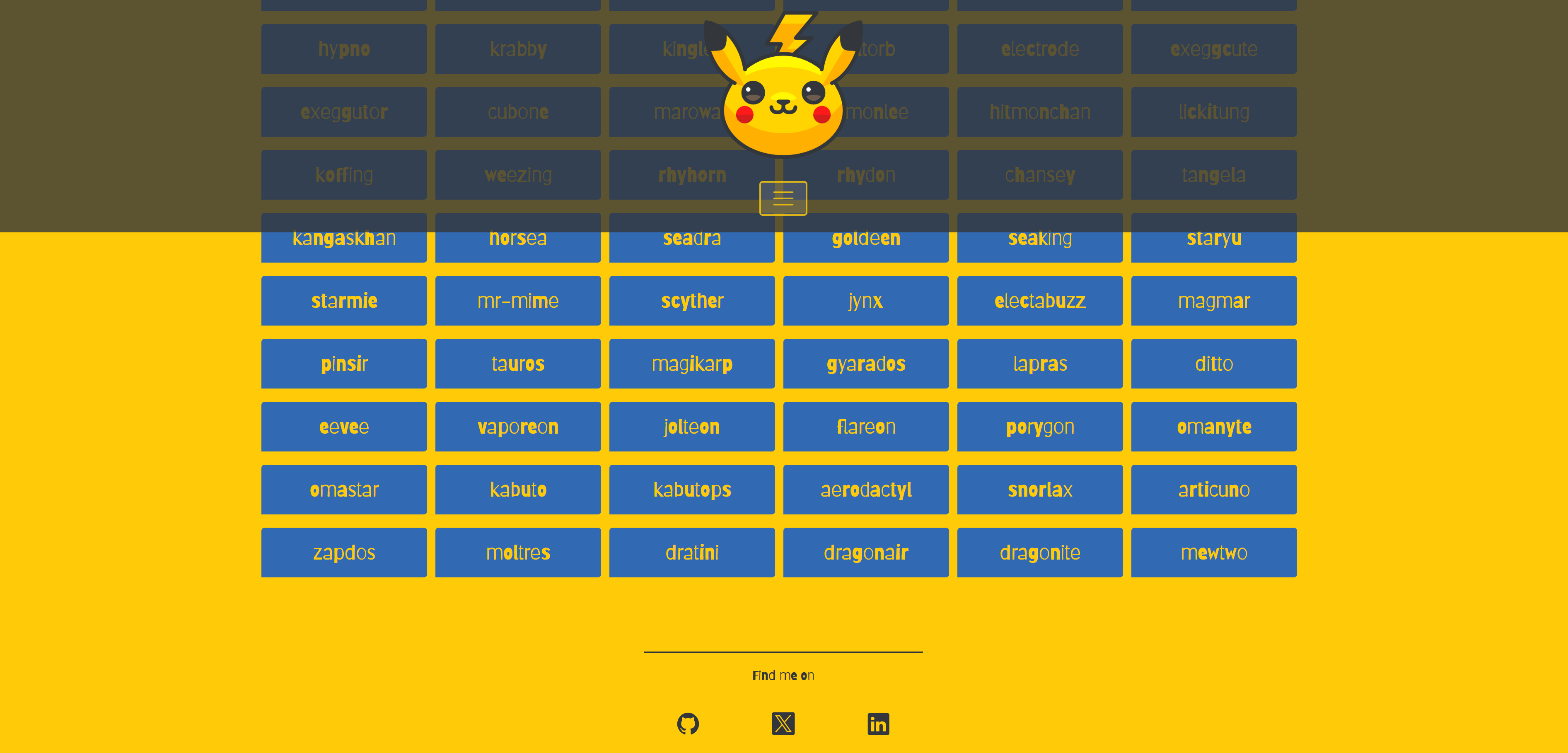
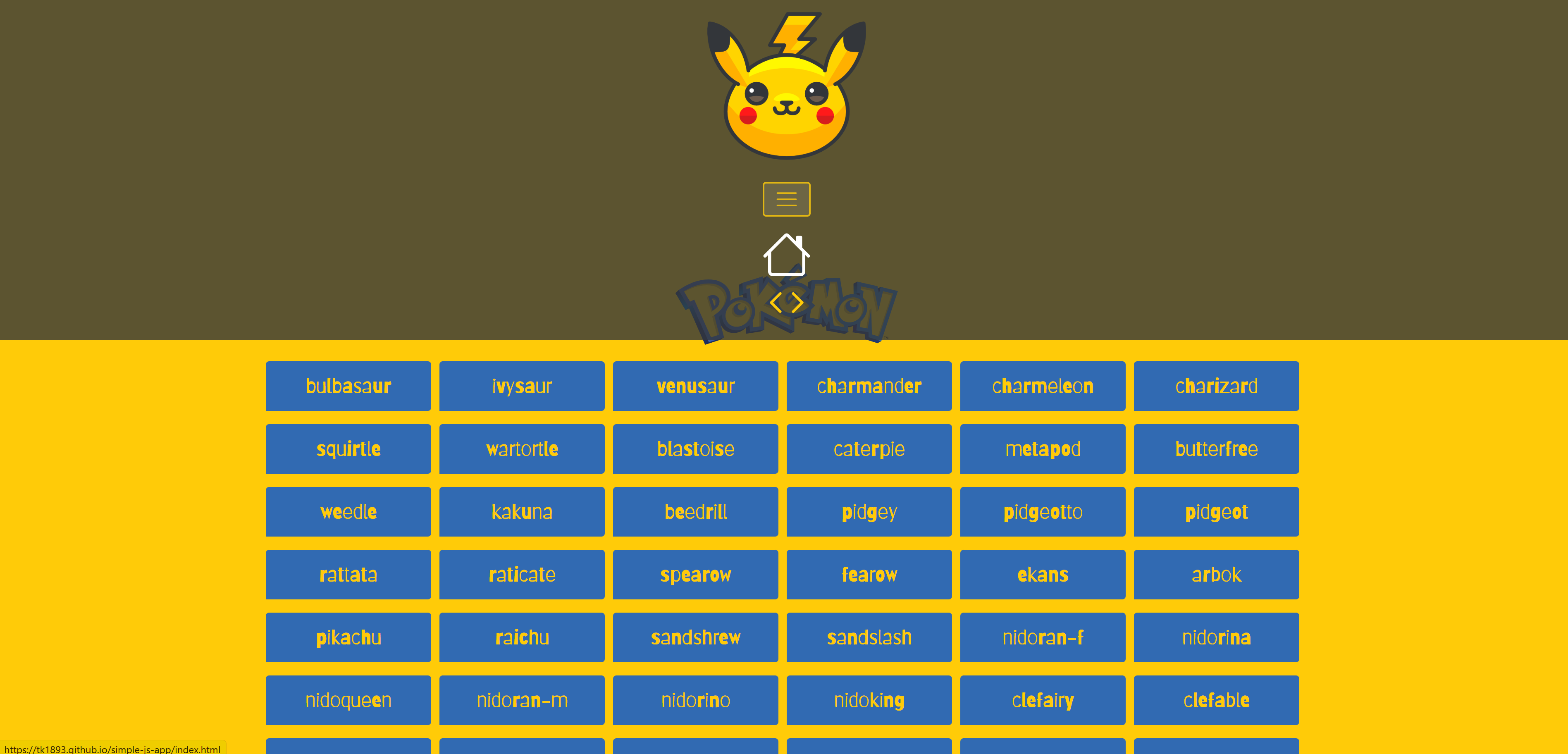
Pokedex is an interactive web application built with JavaScript, HTML and CSS that allows users to browse Pokemon data and inspect additional details through modal views. The app uses an external Pokemon API to create a dynamic and user-friendly browsing experience.
Users can view a list of Pokemon, search for specific entries and open detailed information such as type, abilities and stats. The interface was designed to stay responsive across devices and to work consistently in major web browsers.
As one of the earlier projects from my training, it captures an important stage in my learning process. It focuses on frontend fundamentals such as API integration, DOM updates, responsive layout and clean JavaScript structure before moving into larger frameworks.