
PWA // Serverless Backend // Event Data Visualisation

Progressive Web App

Meet

A React-based PWA that fetches upcoming events from the Google Calendar API, supports offline usage, installs on desktop and mobile, and visualises event data through charts.
Fullstack DeveloperProgressive Web AppBuilt during my full stack web development training.

Overview

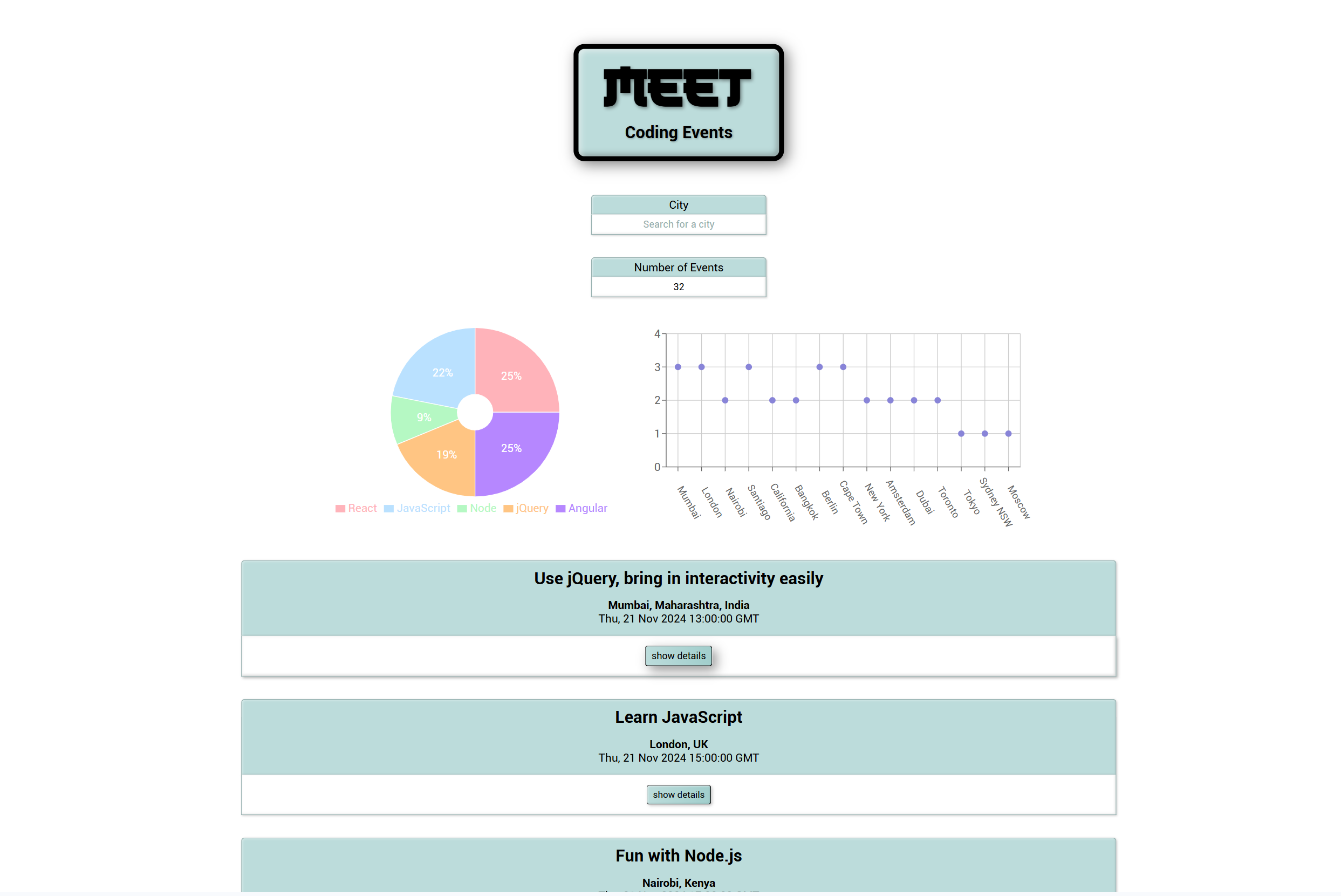
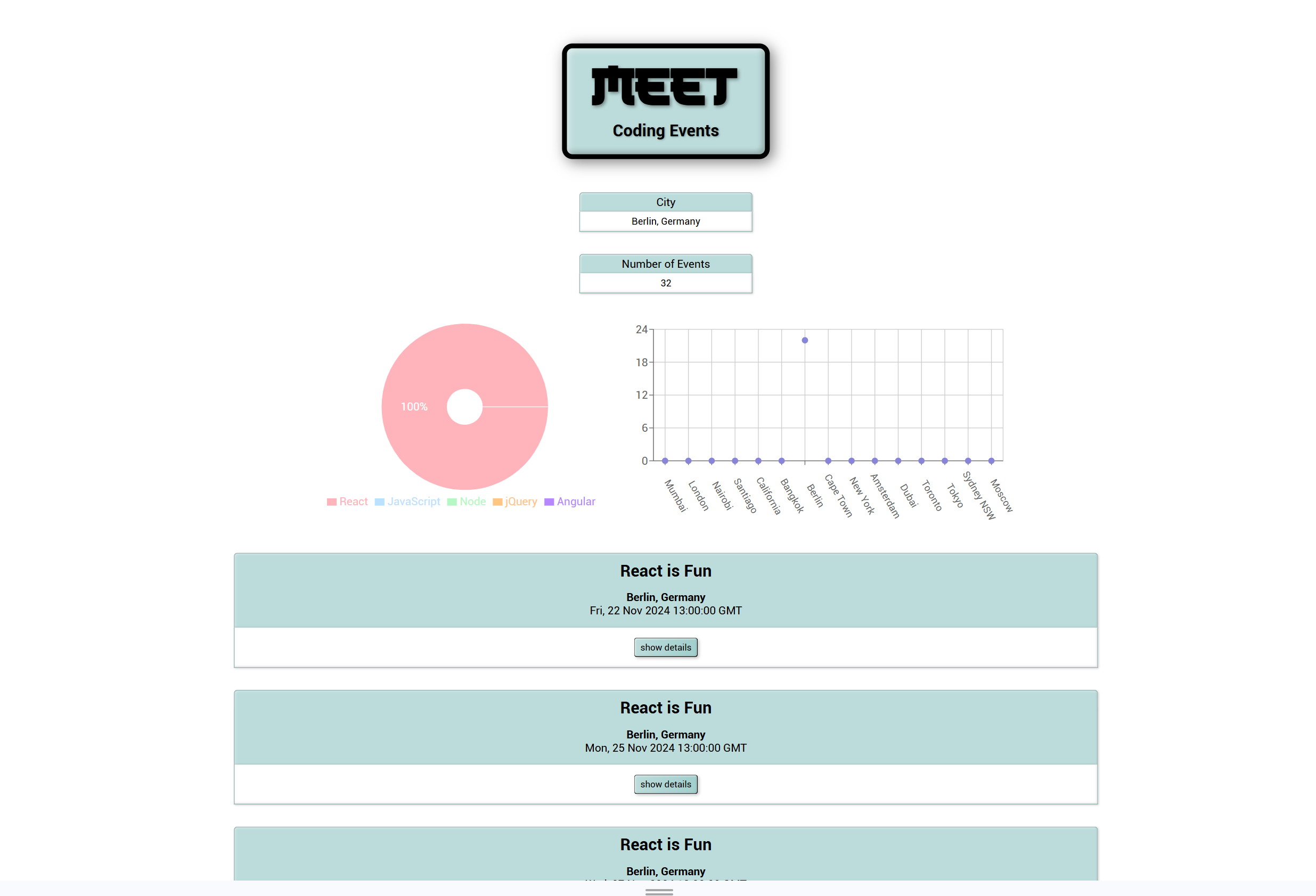
Meet is a Progressive Web Application designed to fetch upcoming events through the Google Calendar API and present them in a responsive React interface. Users can filter events by city, define how many entries should be shown and expand or collapse event details as needed.

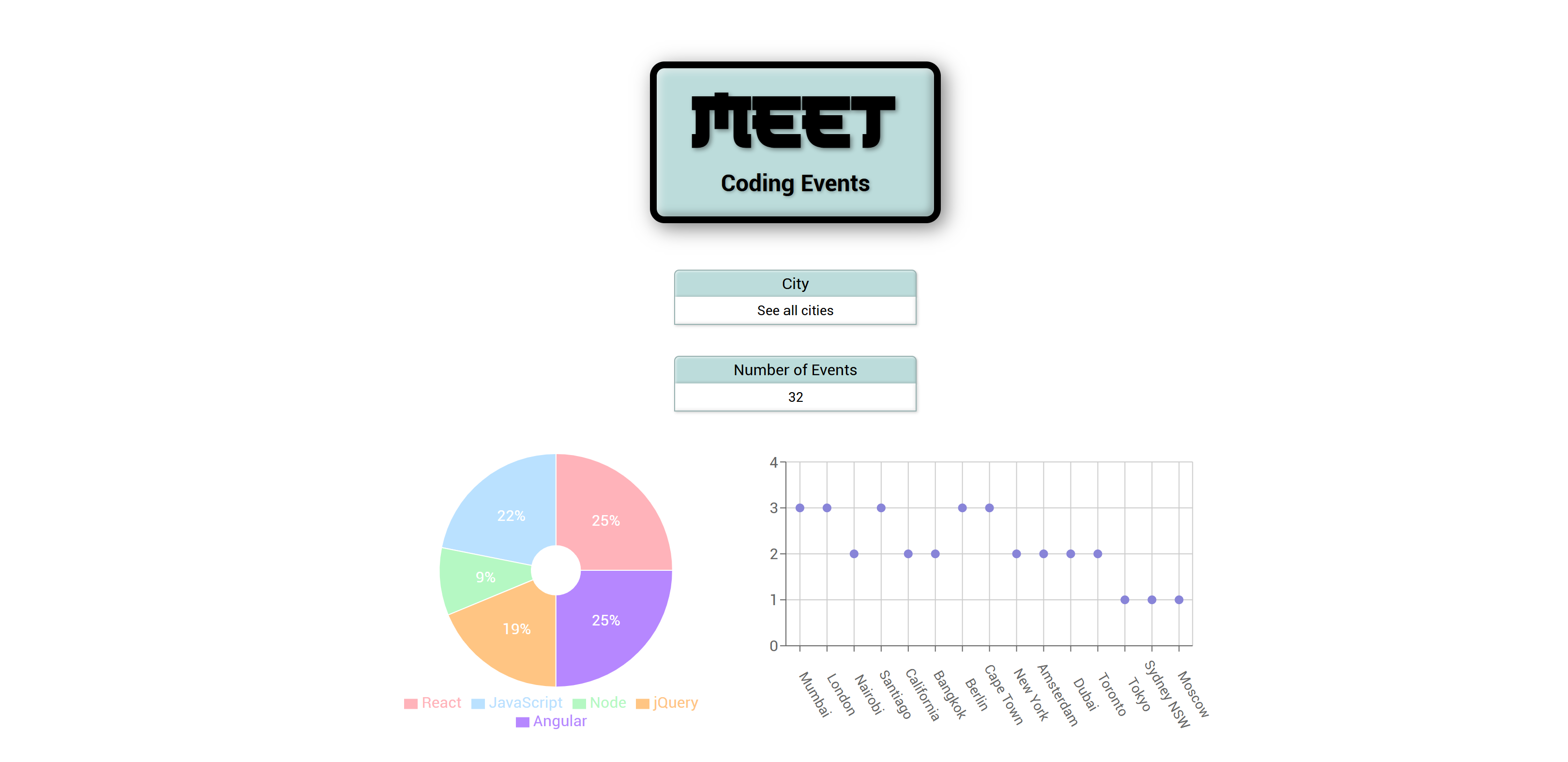
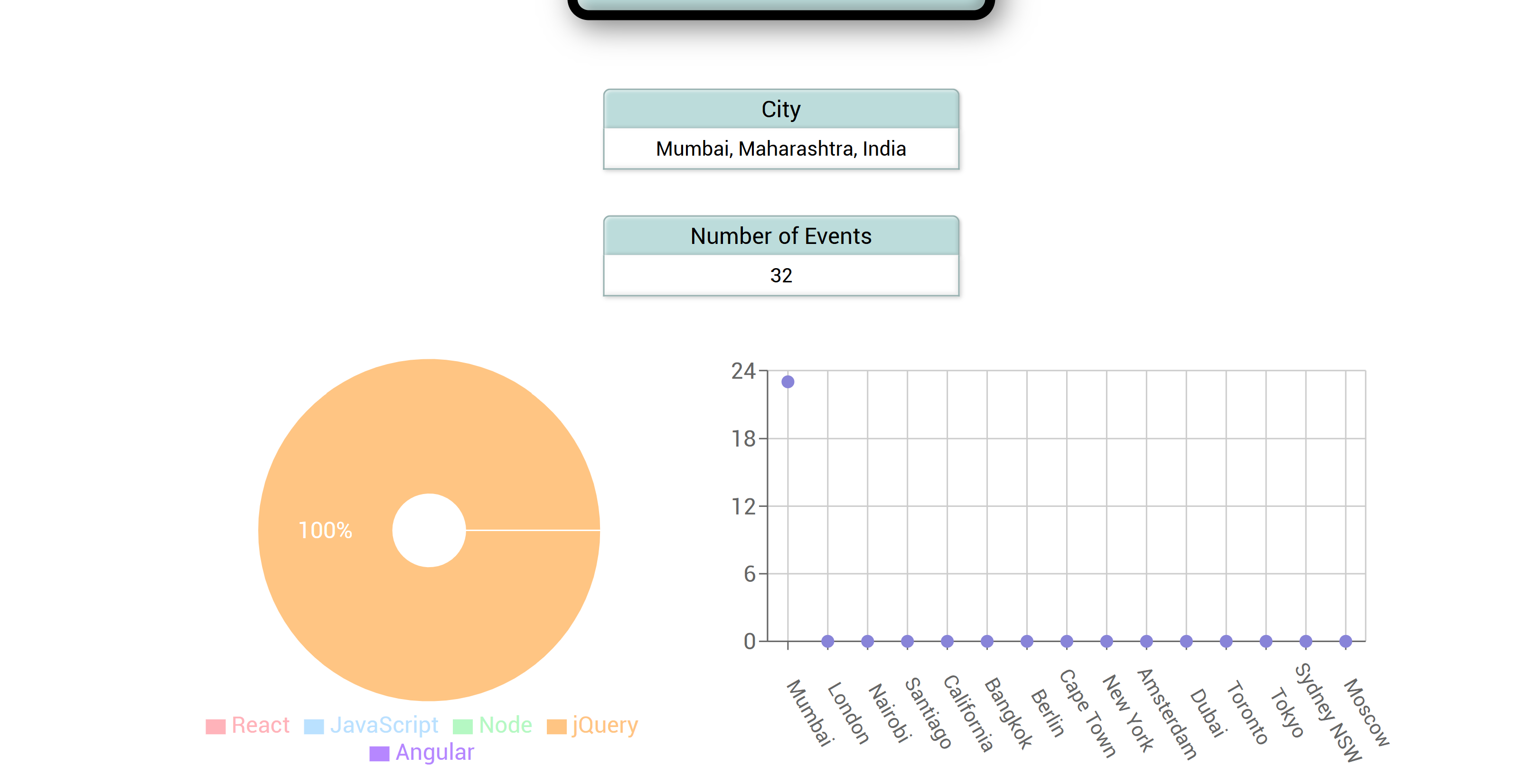
The app is fully functional offline, can be installed on desktop and mobile devices and includes chart-based data visualisation to show event distribution across cities and the popularity of event categories. It combines frontend work with a serverless AWS Lambda setup for authentication and backend logic.

This project was built with a Test-Driven Development approach and became an important exercise in combining PWA behaviour, serverless architecture, testing strategy, performance thinking, monitoring and modern deployment workflow during my training.

Key Features

Filter events by cityExpand and collapse event detailsSpecify how many events should be displayedUse the app offline with cached event dataInstall the app as a home screen shortcutVisualise event data through scatter plots and pie charts

Core Stack

ReactAWS LambdaGoogle Calendar APIOAuth2JestPuppeteerRecharts

Build Focus

PWA patternsServerless architectureTDD workflowData visualisation

Assignment Context

  • Built as a serverless Progressive Web App in React with a strict Test-Driven Development workflow.
  • The goal was to combine Google Calendar data, OAuth authentication, offline support and data visualisation in one production-style frontend project.
  • The project was meant to demonstrate several modern web patterns together: PWA capabilities, serverless infrastructure, automated testing and responsive UI.
  • It also served as a portfolio project that exposed both the code and deployment publicly through GitHub and GitHub Pages.

Required Scope

  • Filter events by city and provide suggestion-based city search.
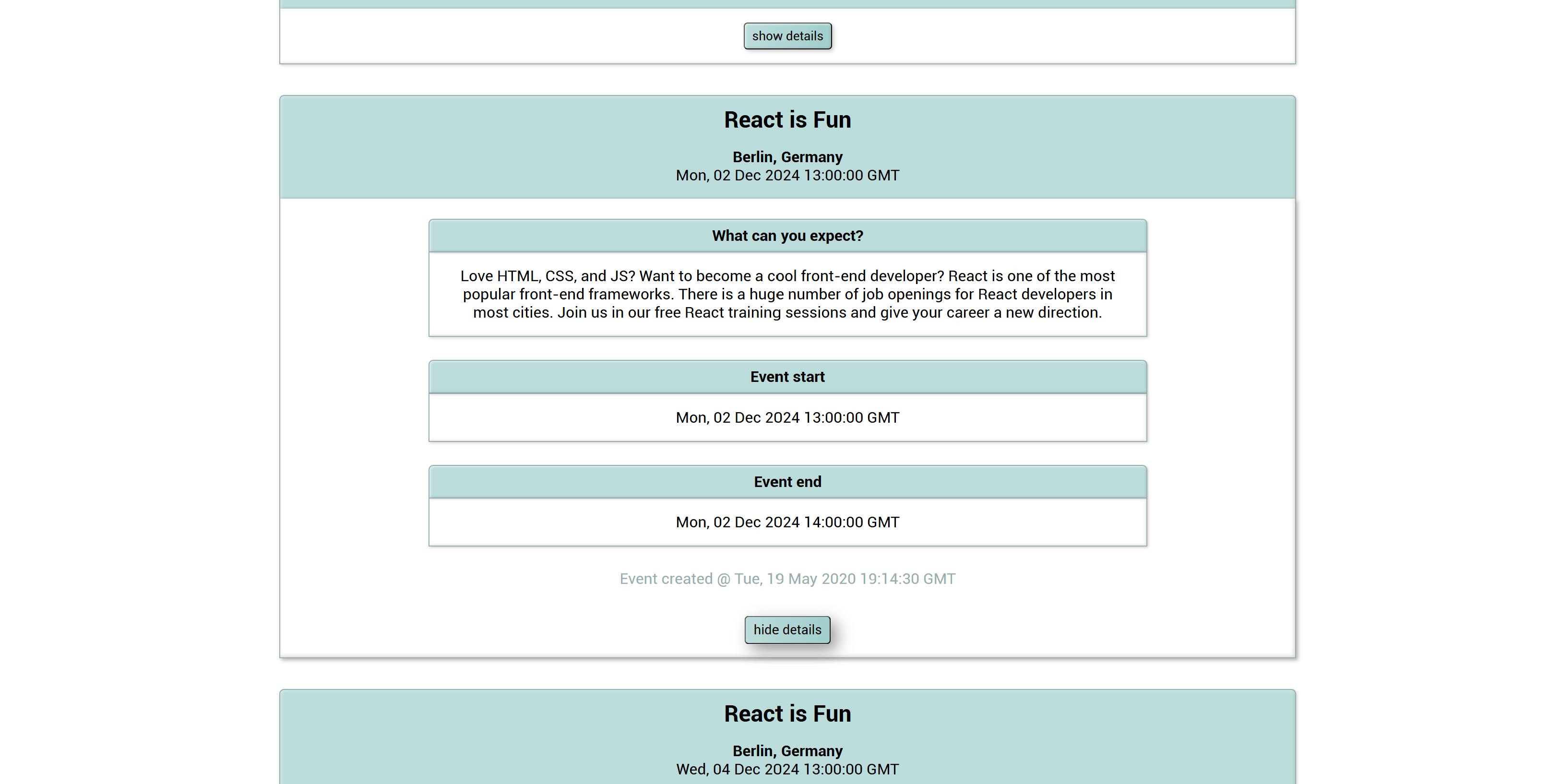
  • Allow users to expand and collapse event details from the event list.
  • Let users define how many events should be shown, with 32 as the default value.
  • Support offline usage through cached data and a service worker.
  • Allow installation on desktop and mobile as a shortcut or home screen app.
  • Include chart-based data visualisation and meet Lighthouse PWA requirements.
  • Reach at least 90 percent automated test coverage and integrate an online monitoring tool.

PWA Behaviour

  • Cache event data and keep the app usable without an active internet connection.
  • Support installation as a shortcut on desktop and mobile devices.
  • Let users filter upcoming events by city and choose how many should be shown.
  • Allow users to reveal and hide event details without leaving the main flow.

Core User Flows

  • Show upcoming events from all cities before a user searches for a specific location.
  • Display city suggestions while the user types a search query.
  • Let the user select a city from the suggestion list and update the event feed accordingly.
  • Keep event cards collapsed by default and reveal details only when requested.
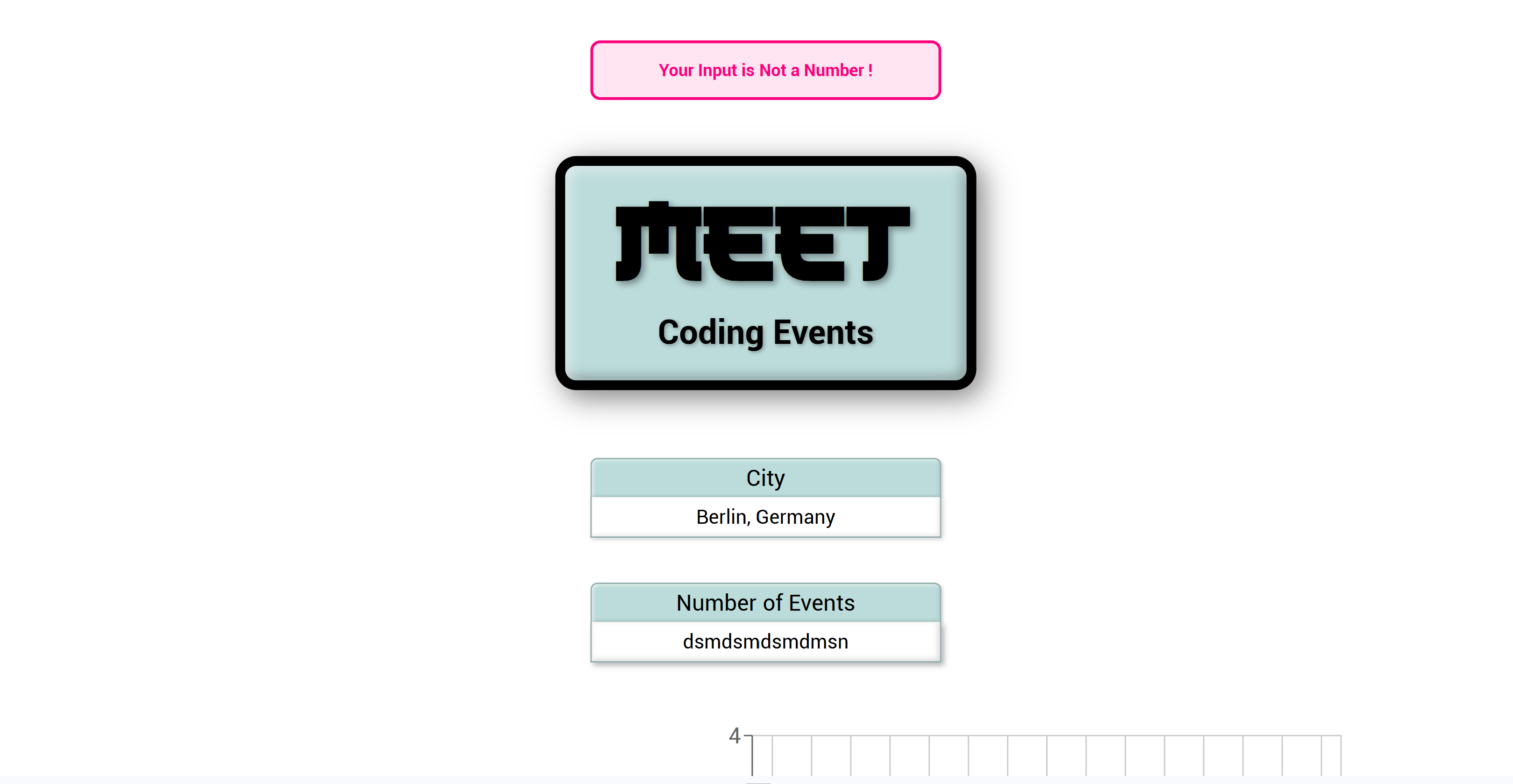
  • Show an error state when the user changes filters while offline and fresh data cannot be loaded.

Serverless & Auth

  • Use AWS Lambda with the Serverless Framework to handle authentication and backend logic.
  • Authenticate against Google services through an OAuth2 flow.
  • Fetch calendar events through the Google Calendar API.
  • Store tokens and event data on the client side through localStorage for smoother repeat usage.

Testing & Quality

  • Follow a Test-Driven Development workflow from user stories and test scenarios to implementation.
  • Use Jest and React Testing Library for unit and integration testing.
  • Use Jest-Cucumber for BDD scenarios based on Gherkin syntax.
  • Use Puppeteer for end-to-end browser testing.
  • Audit performance and PWA quality with Lighthouse and monitor the app with Atatus.

Frontend & Visualisation

  • Build the interface in React with SCSS and React Bootstrap.
  • Use Recharts to visualise events per city and event category popularity.
  • Track frontend issues with Atatus and use NProgress for loading feedback during async operations.
  • Use Workbox and a service worker to support caching and offline behaviour.
  • Use fetch API and URLSearchParams for event retrieval and query handling.

Project Scope

  • Built for people looking for events in different cities in both personal and professional contexts.
  • Moved through project phases from user stories and testing to API integration, serverless setup, offline support and data visualisation.
  • Included continuous integration and deployment thinking alongside implementation and testing work.
  • Combined several modern web development patterns into one learning project: PWA, serverless architecture, TDD, responsive UI design and application monitoring.

What I Learned

  • The project strengthened my understanding of how frontend state, offline behaviour and external APIs interact in a real app.
  • It gave me practical experience with serverless authorization flows and the tradeoffs of protected third-party API access.
  • It also showed how much quality improves when test scenarios drive implementation instead of being added only at the end.

Tools & Libraries

Sass (SCSS)React Bootstrapweb-vitalsAtatusNProgressServerless FrameworkAWS LambdaOAuth2Service Workerfetch APIURLSearchParamslocalStorageReact Testing LibraryJest-CucumberPuppeteerWorkboxLighthouseGitHub PagesContinuous Integration