
Angular SPA // API Integration // User Flows

Angular Frontend

Kraftflix Angular

A responsive Angular SPA with login, registration, movie browsing and profile management, connected to the existing Kraftflix REST API and MongoDB database.
Fullstack DeveloperAngular ClientBuilt during my full stack web development training.

Overview

Kraftflix Angular Client is a single page application built for film enthusiasts who want to browse movies, explore directors and genres and manage a personal list of favourite films. The app connects to the existing Kraftflix REST API, while user and movie data are stored in a MongoDB database created in the backend project.

This case study focuses on the frontend implementation in Angular. Users can log in, register, browse movie cards, open additional detail views and manage their own profile data through a responsive Angular interface designed to stay consistent across screen sizes.

Beyond the UI itself, the project also covered documentation and delivery work. I used Agile methods with a Kanban board, user stories and story points, and prepared code comments and handoff material with TypeDoc and technical documentation for the repository.

Key Features

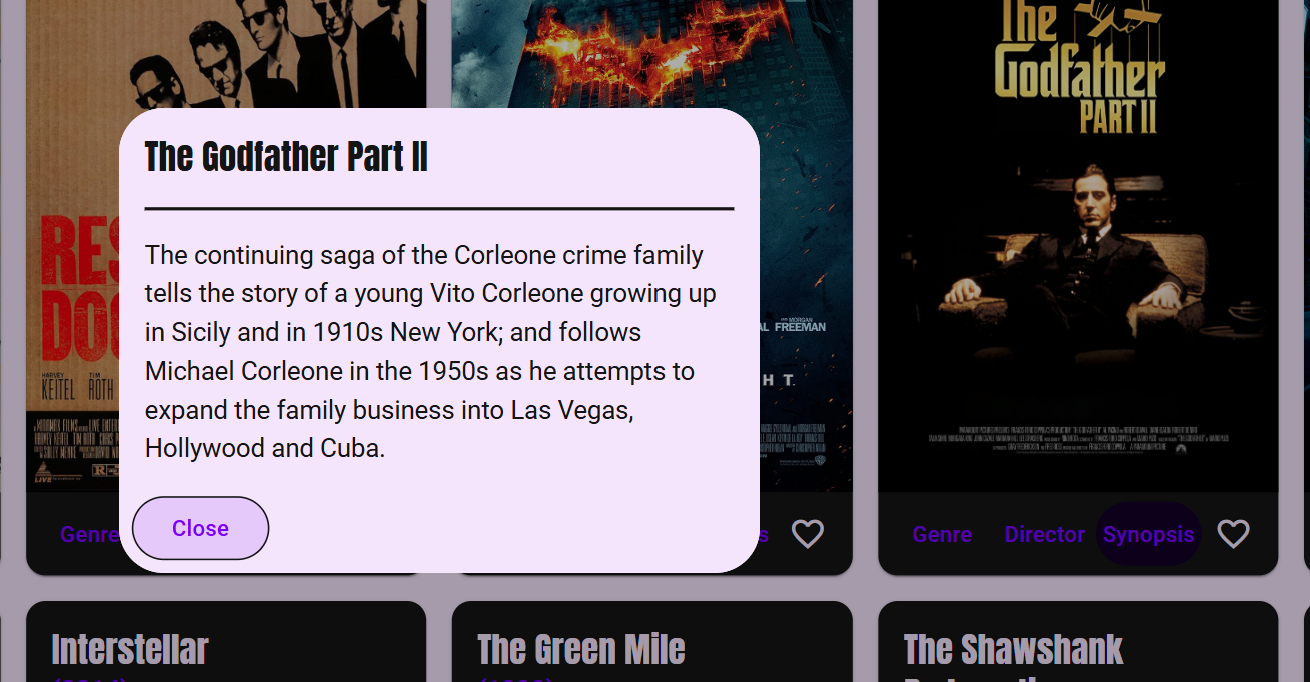
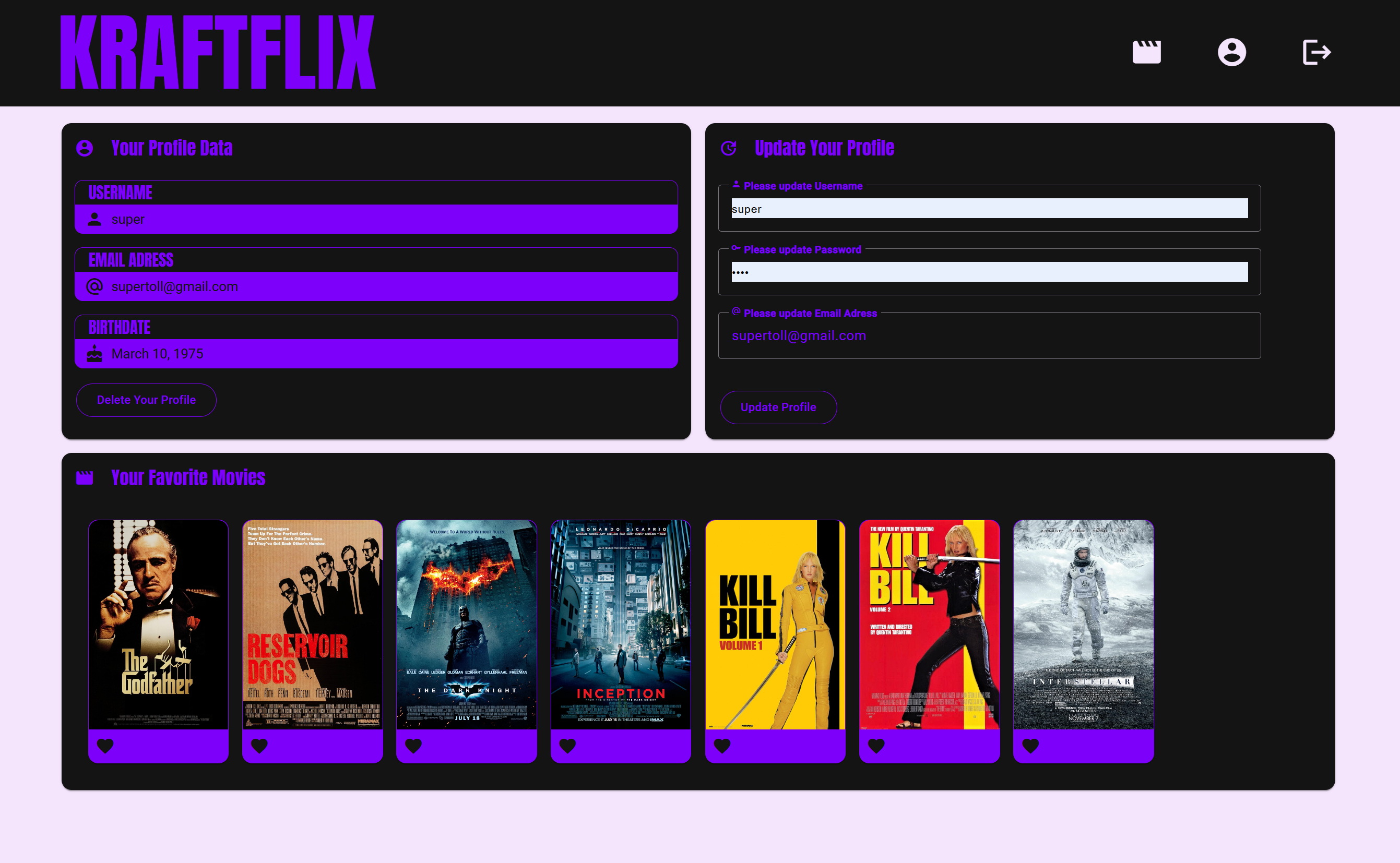
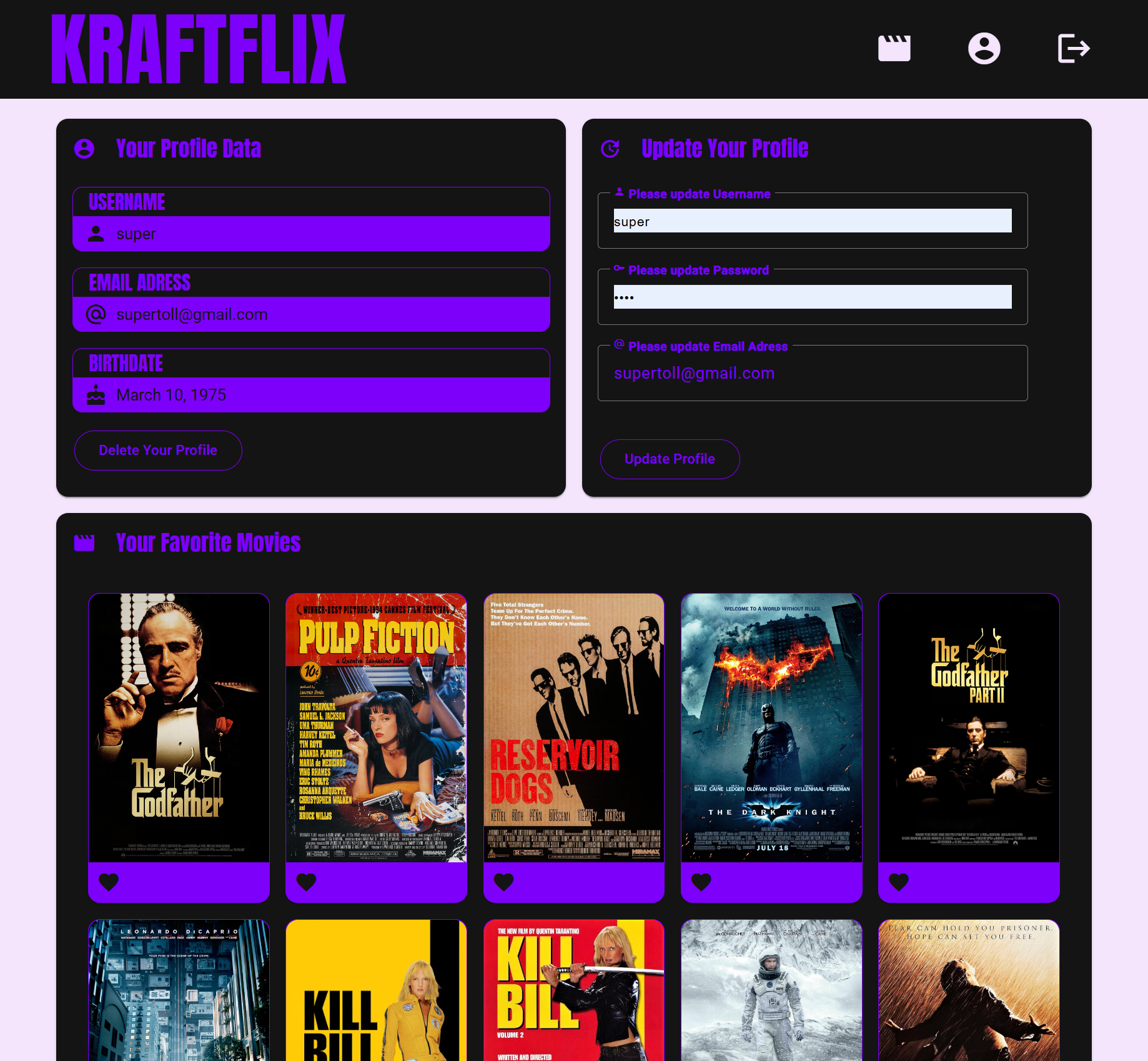
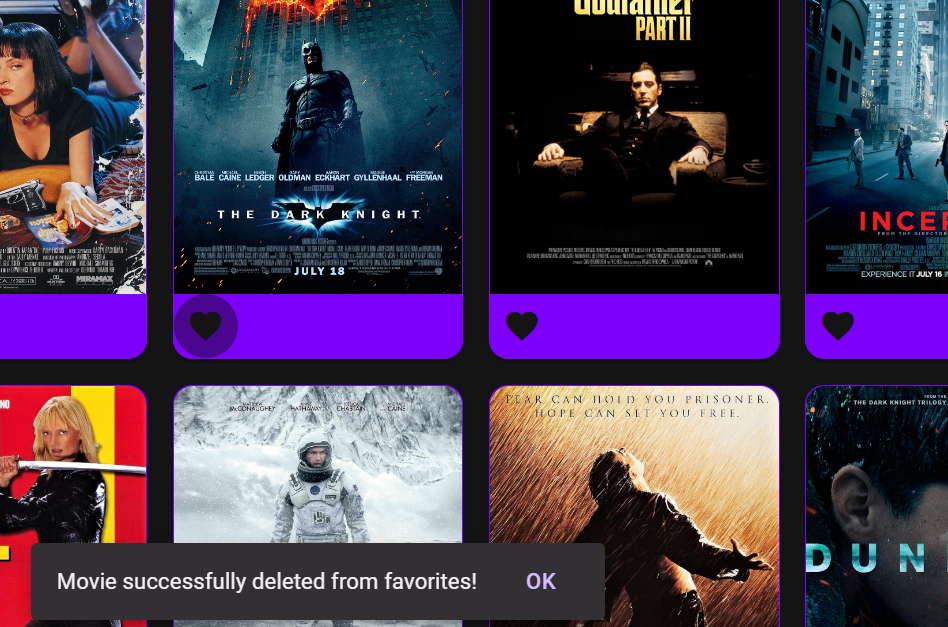
Let users log in or register through a dedicated welcome viewDisplay all movies from the API in Angular Material cardsOpen director, genre and synopsis details from each movie cardCreate, edit and delete user profilesSave and manage favourite moviesNavigate between all views with Angular Router

Core Stack

AngularTypeScriptAngular MaterialRxJSAngular RouterREST API

Build Focus

SPA architectureRouting and viewsAPI integrationAgile project workflow

Assignment Context

  • Built as the Angular client for the existing Kraftflix server-side application and database from the earlier backend phase.
  • The goal was to create a responsive single page application with routing, multiple views and supporting developer documentation.
  • The project also included Agile delivery practices such as user stories, story points, Kanban planning and portfolio preparation.
  • It was designed as an Angular alternative to the earlier React client, extending the same product ecosystem with a different frontend framework.

Required Scope

  • Provide a welcome view where users can either register or log in.
  • Show all movies after authentication through the Angular client.
  • Include a single movie flow with additional director and genre details.
  • Support user profile creation and personal favourites management.
  • Build the UI with Angular Material and host the final app on GitHub Pages.
  • Document the codebase and supporting handoff materials for other developers.

User Flows

  • Enter the app through a welcome view for login or registration.
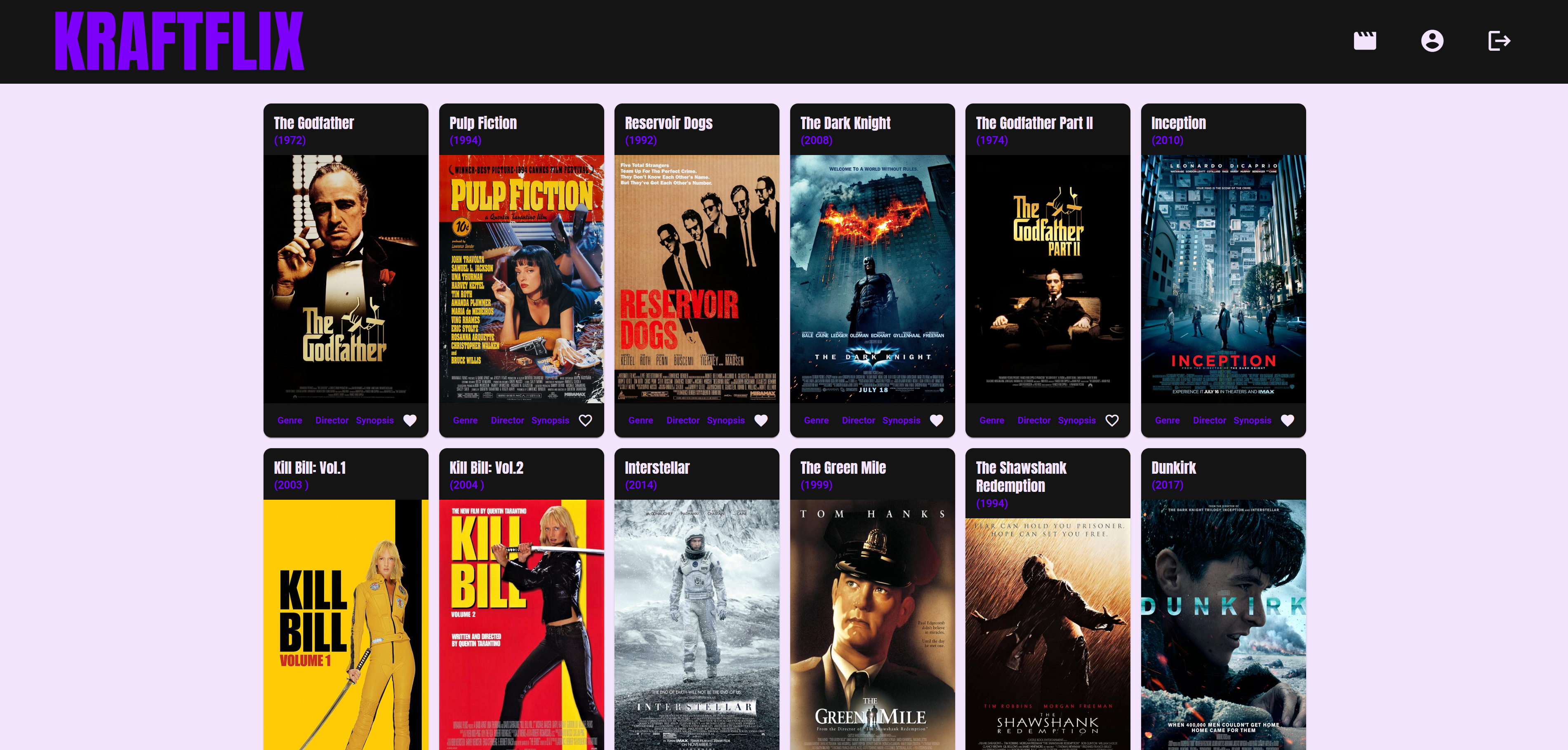
  • Browse all movies retrieved from the API in a card-based layout.
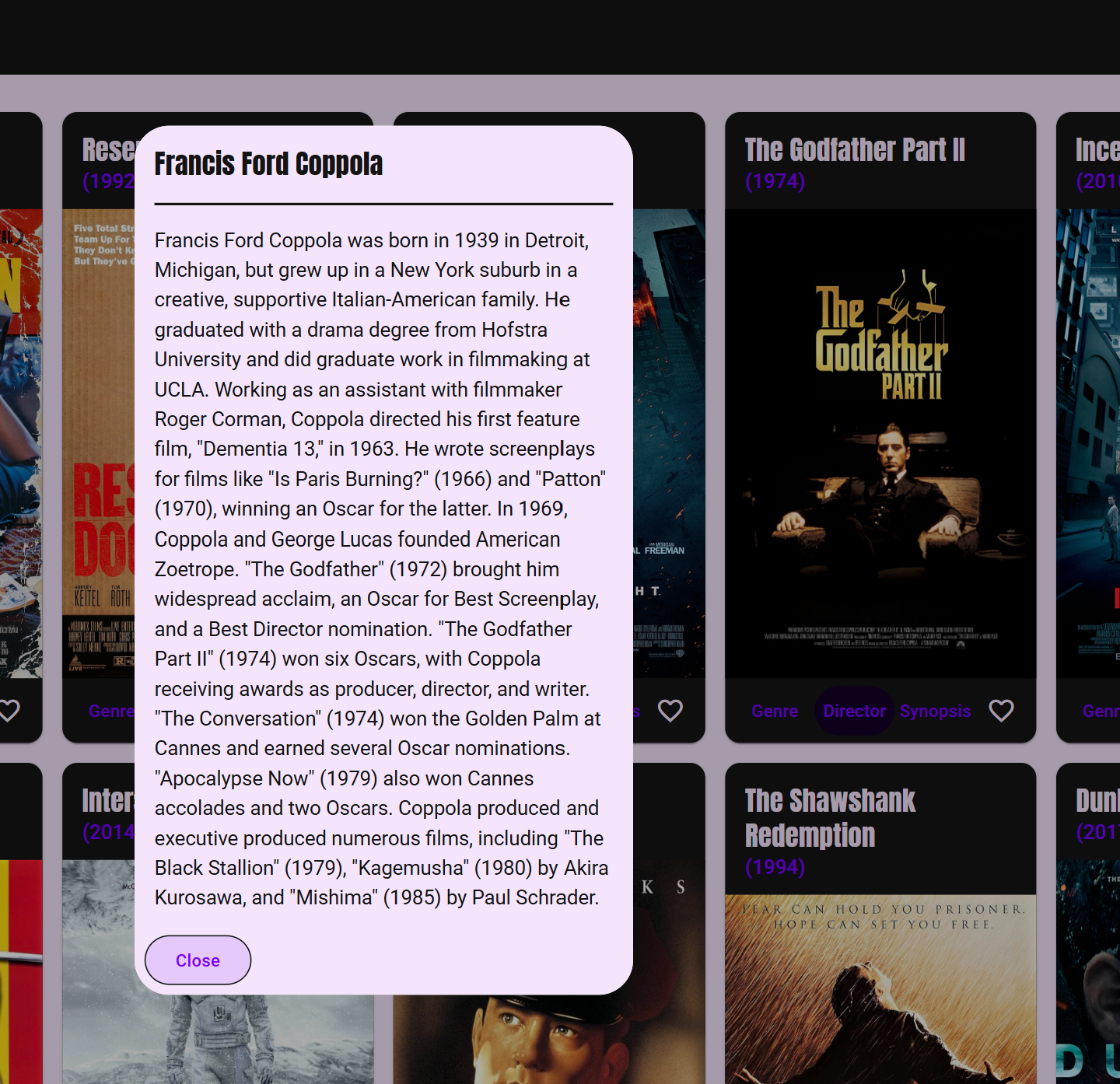
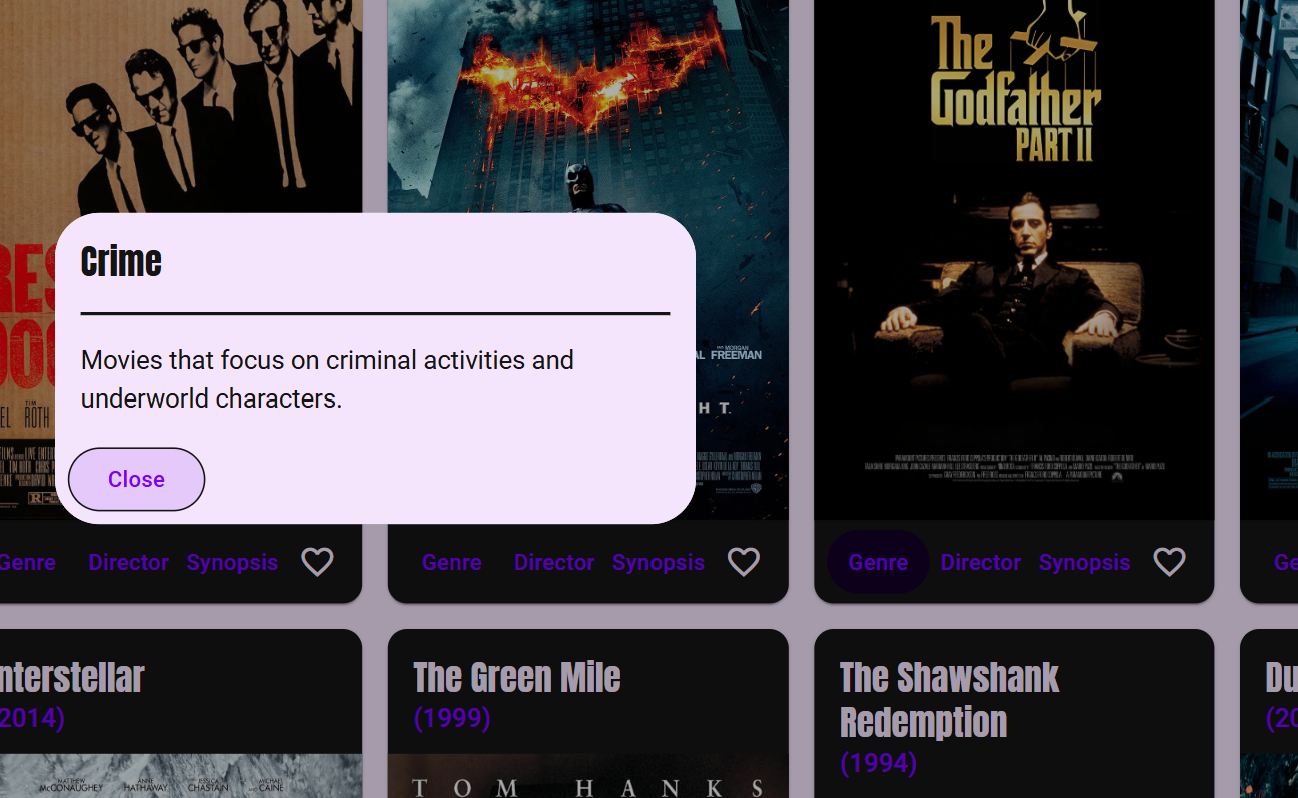
  • Open dedicated views for director, genre and synopsis details.
  • Create a personal profile and store favourite movies.
  • Update profile information or delete the account after registration.

Frontend Views & Components

  • App-Component acts as the root component of the Angular application.
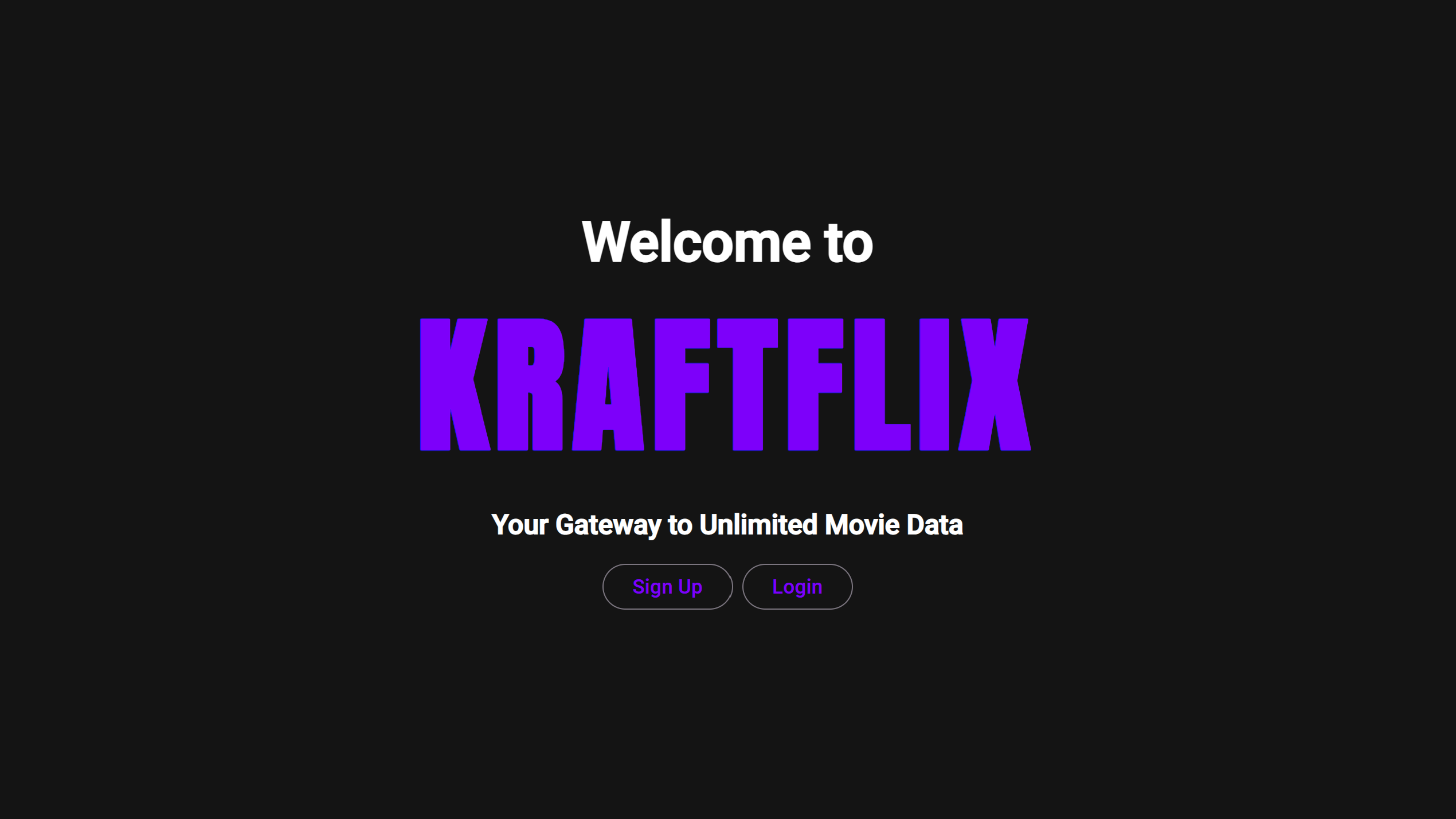
  • Welcome-Page-Component provides the landing screen for login and registration.
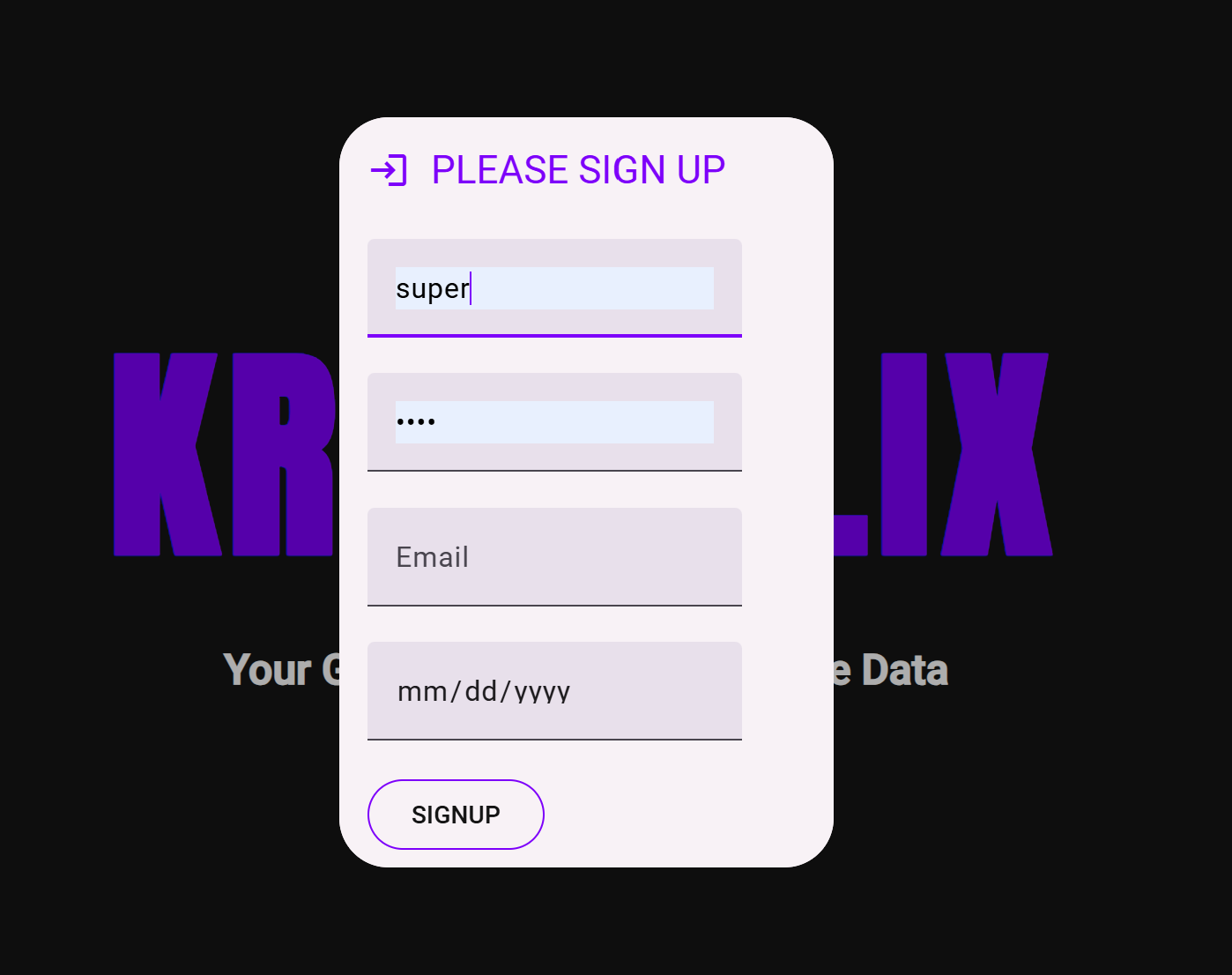
  • User-Registration-Form-Component and User-Login-Form-Component handle authentication flows.
  • Movie-Card-Component renders movie cards sourced from the API and MongoDB data set.
  • Info-Director-Component, Info-Genre-Component and Info-Movie-Component surface additional detail views from each movie card.
  • Navbar-Component supports in-app navigation and User-Profile-Component plus User-Update-Form-Component handle profile management.

Technology & Components

  • Built with Angular 18.2.9 and TypeScript as the primary frontend stack.
  • Used Angular Material to create the responsive UI and movie card layout.
  • Managed API requests and asynchronous flows with RxJS.
  • Used Angular Router to handle navigation between the app views and detail screens.
  • Set up and managed the project with Angular CLI, Node.js and npm.

Documentation & Handoffs

  • Generated inline code documentation with TypeDoc and kept the generated docs in the repository.
  • Prepared technical documentation and handoff material as part of the project requirements.
  • Used code comments and documentation to make the project easier for other developers to understand and continue.
  • Treated documentation as part of the deliverable, not as an afterthought after implementation.

Documentation & Agile Workflow

  • Tracked the project in Trello with a Kanban board.
  • Organised work through user stories and story points.
  • Categorised tasks into To Do, In Progress and Done.
  • Used the project to practice structured collaboration, handoff thinking and portfolio-ready delivery.

What I Learned

  • The project strengthened my understanding of Angular as a framework for structured, component-based single page applications.
  • It gave me practical experience translating an existing REST API product into a second frontend client with different framework conventions.
  • It also reinforced that frontend work includes routing, documentation, collaboration and delivery discipline, not only UI implementation.

Tools & Libraries

Angular CLINode.js and npmAngular RouterAngular MaterialRxJSTypeDocJSDocTrelloGitHub Pages